
How to Search Montgomery County Court Records
The main search tool is Public Records Online v3, run by the Montgomery County Clerk of Courts. It is free to use. It covers Municipal Court traffic, criminal, and civil cases, Common Pleas General Division criminal and civil cases, Domestic Relations cases, and Second District Court of Appeals cases. It does not cover Probate Court files. It does not cover juvenile records, which Ohio law keeps restricted. So the portal is the right first stop for most adult cases, but not every record sits there.
Gather what you know before you start. A case number works fastest. A party's last name works too. For a traffic matter, use the ticket number. The portal returns only the first 1,000 records for any search, so common names need extra filters. Pick a Case Type, an Action Type, or a date range to cut the list down.
- Open the portal at pro.mcohio.org and read the disclaimer. Using it means you accept the terms.
- Choose the General Search tab. Enter a party name, case number, company name, or ticket number.
- Narrow the search with Case Type, Action Type, or a Begin Date and End Date range.
- Open a result to read the docket entries, which match the official court docket.
- For attorney work, switch to the Attorney Search tab and enter the attorney first and last name.
- For a copy you can rely on, ask the Clerk's office for a certified copy. Do not print the online page.
You can reach the official tool at the Clerk's Public Records Online v3 search page. Older case files that are off the portal often live with the county Records Center. The lead-in below points to that archive.
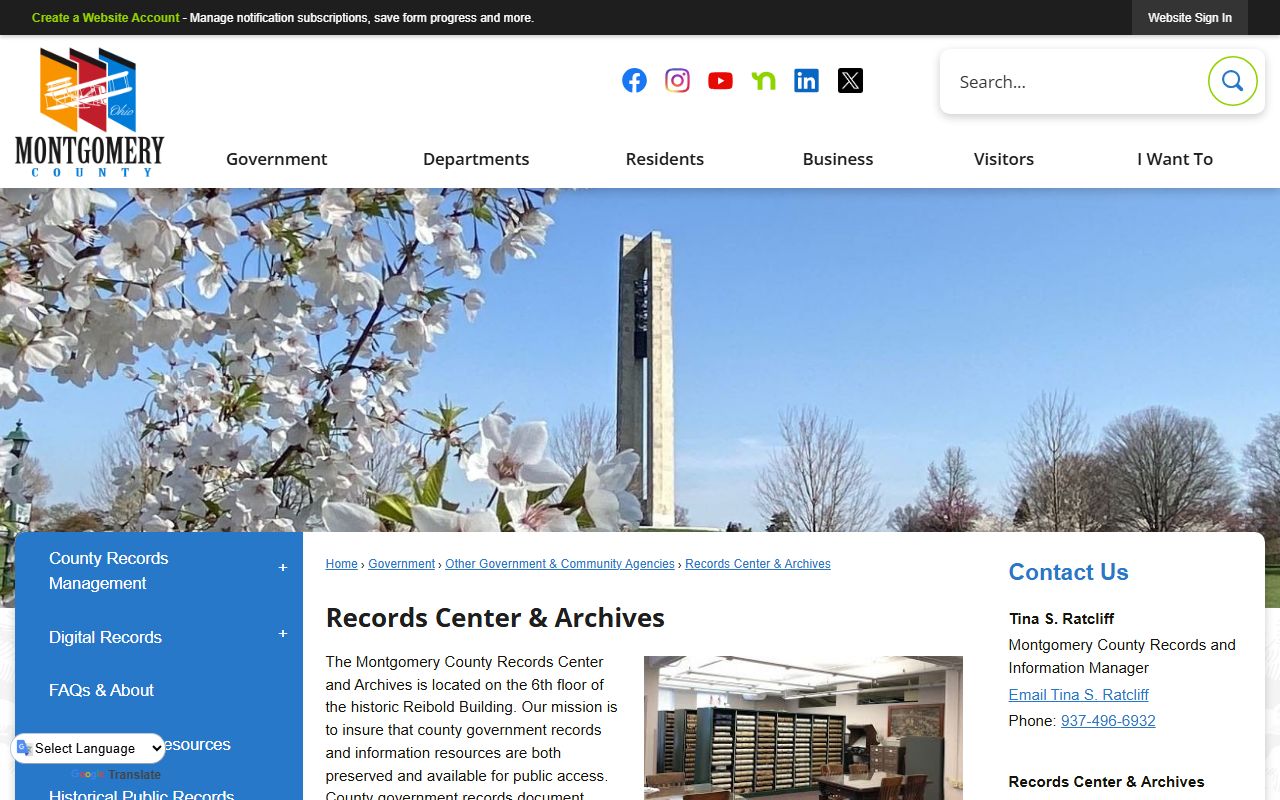
Historical and archived files are described on the county Records Center and Archives page. That office holds older court and county records and posts its own research rules for visitors.
Note: document images normally post within 48 to 72 hours of filing, so a new case may show a docket entry before the image is online.
Montgomery County Court Records Search Fields
The PRO portal gives you one search panel with several fields. You do not have to fill every box. One good field is often enough. The General Search tab handles parties, case numbers, companies, and tickets. The Attorney Search tab swaps in attorney name fields. A judge-calendar panel adds judge, date, and time-span options for hearing research, when the live browser shows it. The table lists the fields you will see.
| Field Label | Type | Required | Notes / Format |
|---|---|---|---|
| General Search tab | Tab | No | Default search mode for parties and cases. |
| Attorney Search tab | Tab | No | Switches the panel to attorney name search. |
| Case Number | Text | No | Exact or known case number. Fastest lookup. |
| Last Name | Text | No | Party last name. |
| First Name | Text | No | Party first name. |
| Company Name | Text | No | Business or organization party. |
| Ticket Number | Text | No | Traffic or parking citation lookup. |
| Case Type | Dropdown | No | Civil, Criminal, Divorce, Traffic, OVI, Small Claims, and many more. |
| Action Type | Dropdown | No | Mortgage foreclosure, personal injury, divorce with children, and others. |
| Begin Date | Date | No | Start of a filing date range. |
| End Date | Date | No | End of a filing date range. |
The Case Type and Action Type menus are long. Case Type values include CIVIL, CRIMINAL, DIVORCE, DISSOLUTION OF MARR., ANNULMENT, LEGAL SEPARATION, the traffic and OVI Eastern and Western options, parking, small claims, and Court of Appeals. Action Type values include mortgage foreclosure, medical malpractice, product liability, divorce with or without children, and worker's compensation. Pick the one that fits your case to trim a big result list.
Types of Montgomery County Court Records
Court records here split by the court that made them. The Common Pleas General Division produces felony criminal files and major civil files. Domestic Relations holds divorce and adult family matters. Municipal Court carries the high-volume docket: traffic, misdemeanors, small claims, and evictions. Probate handles estates, guardianships, and marriage licenses. Most are open to the public, but a statute, a rule, or a court order can restrict any one filing.
The records you can reach online are mostly the adult Municipal and Common Pleas files. Probate cases use a separate search page. Juvenile files are kept apart by law. Below are the main groups and what each one holds.
- Civil records: complaints, answers, motions, judgments, liens, foreclosures, and appeals.
- Criminal records: indictments, pleas, bond entries, sentencing entries, and sealing motions.
- Family records: divorce, dissolution, custody, support, and protection orders.
- Traffic records: moving violations, OVI, parking, court dates, fines, and dispositions.
- Probate records: estates, wills, trusts, guardianships, adoptions, and name changes.
Probate and juvenile files are the two big exceptions to the main portal. The Probate Records page covers estate and marriage files in more depth. For the day's hearing list and filing log, the Montgomery County court dockets page picks up where a single case file leaves off.
What Montgomery County Court Records Show
Open a case on the portal and you get a structured record. The header carries the case number, the case title, and the court or division. Below that runs the docket, a dated list of every filing and order. Each docket entry can link to a document image when one is available. Those images are redacted to remove personal identifiers. The fields below appear across most adult case files.
| Field | What It Shows |
|---|---|
| Case Number | The court's unique ID for the case. Format varies by case type and division. |
| Case Title | The parties named in the case, such as State versus a defendant or plaintiff versus defendant. |
| Court / Division | Municipal, Common Pleas General Division, Domestic Relations, or Court of Appeals. |
| Docket Entries | The exact entries found on the official court docket, listed by date. |
| Document Images | Redacted images tied to a docket entry, normally posted 48 to 72 hours after filing. |
| Disposition | The current or final outcome of a charge or the whole case. |
| Certification | Not certified online. A certified copy must be requested from the Clerk. |
A few terms come up again and again in these files. A plaintiff files a civil claim. A defendant answers a claim or a charge. A motion is a written request for the court to act. A disposition is the outcome. A magistrate is an attorney a judge appoints to hear evidence and make recommendations. Knowing these helps a docket read clearly.
Public Access Laws for Montgomery County Court Records
Ohio treats most court records as open. The main law is the Ohio Public Records Act at ORC 149.43, which the county cites as its Sunshine Law basis. Court files add another layer through the Ohio Rules of Superintendence 44 through 47. Those rules define a court record, set a presumption of public access, and explain why online access is not always the same as access at the courthouse.
You do not need special wording to ask. You do not have to give your name. You do not have to explain why you want a record. The office only asks that you describe the record clearly enough to find it. Inspection must be prompt, and copies must come within a reasonable time. A denial has to name the legal reason behind it. When part of a file is private, the office redacts that part and explains the cut.
The Montgomery County public records page sorts requests by record type and routes each one to the right office. Some files sit with the Clerk of Courts, others with the Sheriff, the Recorder, or a court division. Sending the request to the correct custodian is the fastest path to the file.
Note: The redacted version of a civil, criminal, domestic relations, or appellate file can be viewed at the Clerk's office even when not every document is online.
Records That Are Sealed or Confidential in Montgomery County
Not every court record is open. Juvenile files are restricted by Ohio juvenile law and court practice. Adoption and mental-health files are not readily available through the Probate Court. Certain protection-order cases stay off the portal under 18 U.S.C. 2265, so a stalking, sexually oriented offense, or domestic violence protection order does not show online when it could reveal a protected party. Children Services case files are confidential as well. The portal also redacts personal identifiers from document images.
Sealing and expungement are the legal ways to close an adult record. Ohio splits these by what happened in the case. ORC 2953.32 covers eligible conviction and bail-forfeiture cases. ORC 2953.33 covers files after a dismissal, a no bill, or a not-guilty finding. ORC 2953.34 sets who may still inspect a sealed file, and ORC 2953.36 lists convictions that cannot be sealed at all.
The workflow is steady. First, find every case using the portal by name or case number. Next, check eligibility and any waiting period. Then file the motion in the sentencing court, which is the Clerk's Criminal Division for Common Pleas cases or the proper Municipal Division for Municipal cases. Serve the prosecutor as required and attend a hearing if the judge sets one. The judge decides. If the motion is granted, the order tells public offices to seal or expunge the qualifying records. Some sealed files may still be used for set government, licensing, or sentencing purposes. For arrest-stage detail, the criminal records page goes further.
Montgomery County Court Record Copy Fees
Online viewing is free, but a copy you can use in court is not. The Clerk charges by the page for plain copies and certified copies. A certified copy carries a deputy clerk signature, a certificate stamp, and an embossed court seal. An authenticated copy, also called an exemplified or triple-sealed copy, adds the original signatures of the judge and the Clerk. The table lists the standard rates.
| Item | Fee |
|---|---|
| Regular court-record copy | $0.10 per page |
| Certified copy | $1.00 per page |
| Authenticated / exemplified / triple-sealed copy | $5.00 |
You can pay by cash, check, or money order, and the Municipal Court also takes credit cards. The Clerk wants payment in advance, plus a self-addressed stamped envelope for any copy sent by mail. Common Pleas copy requests go to the Records Section in person, by mail, or by email. Municipal Court copies can be requested in person, by phone, by fax, or by mail at the right division. The courthouse map below shows where these offices sit downtown.

The county Courts page links each court division and helps confirm a building before a visit. Several offices share the downtown courthouse district, so check which custodian holds your file first.
In-Person Court Record Requests
Some files are easier to get in person, and a certified copy always means a request to the Clerk. The Common Pleas Records Section handles the General Division and related files. Bring the case number if you have it, or a party name and a rough date range. Plan to pay the page fee at the counter. The office runs standard weekday hours and is closed on holidays.
Clerk of Courts, Records Section
41 N. Perry Street, Room 104
Dayton, OH 45422
937-496-7762
Monday–Friday
You can also email a Common Pleas copy request to the Records Section. For Municipal Court files, contact the Eastern or Western Division that handled the case. The Court of Common Pleas page maps each division and its building so you can match a case to the right counter before you go.