
What Is a Court Docket in Montgomery County
A docket is the court's official log of a case. It lists, in order, every filing made and every action the court takes. Think of it as the table of contents for a case file. Each line is a docket entry. An entry might mark a complaint, a motion, a hearing, a bond, an order, or the final outcome. The Montgomery County Clerk of Courts states that the docket entries shown online are the exact entries found on the official court docket. So the online docket is not a summary. It is the real record of events, written one line at a time.
The docket and the full case record are not the same thing. A docket lists what happened. The full file holds the documents behind each line, such as the signed motion, the exhibits, and the judge's written order. Online, those documents show up as redacted images attached to docket entries, but only when they are public. The Clerk's portal notes that document images normally post within 48 to 72 hours after filing. So a fresh docket entry may appear before its image is online. The docket itself, though, updates first.
How to Find Montgomery County Dockets Online
The main tool is Public Records Online v3, run by the Clerk of Courts. It is free. It covers Municipal Court traffic, criminal, and civil cases, Common Pleas General Division criminal and civil cases, Domestic Relations cases, and Second District Court of Appeals cases. The docket entries it shows match the official court docket. It does not cover Probate Court files or juvenile records. Those sit with other offices. Civil and criminal cases in the General Division now use mandatory e-filing, and that filing flows through the county e-filing portal shown below.
The county e-filing system feeds new filings into the docket record. You can see it at the Montgomery County e-filing portal, which attorneys and parties use to submit documents.
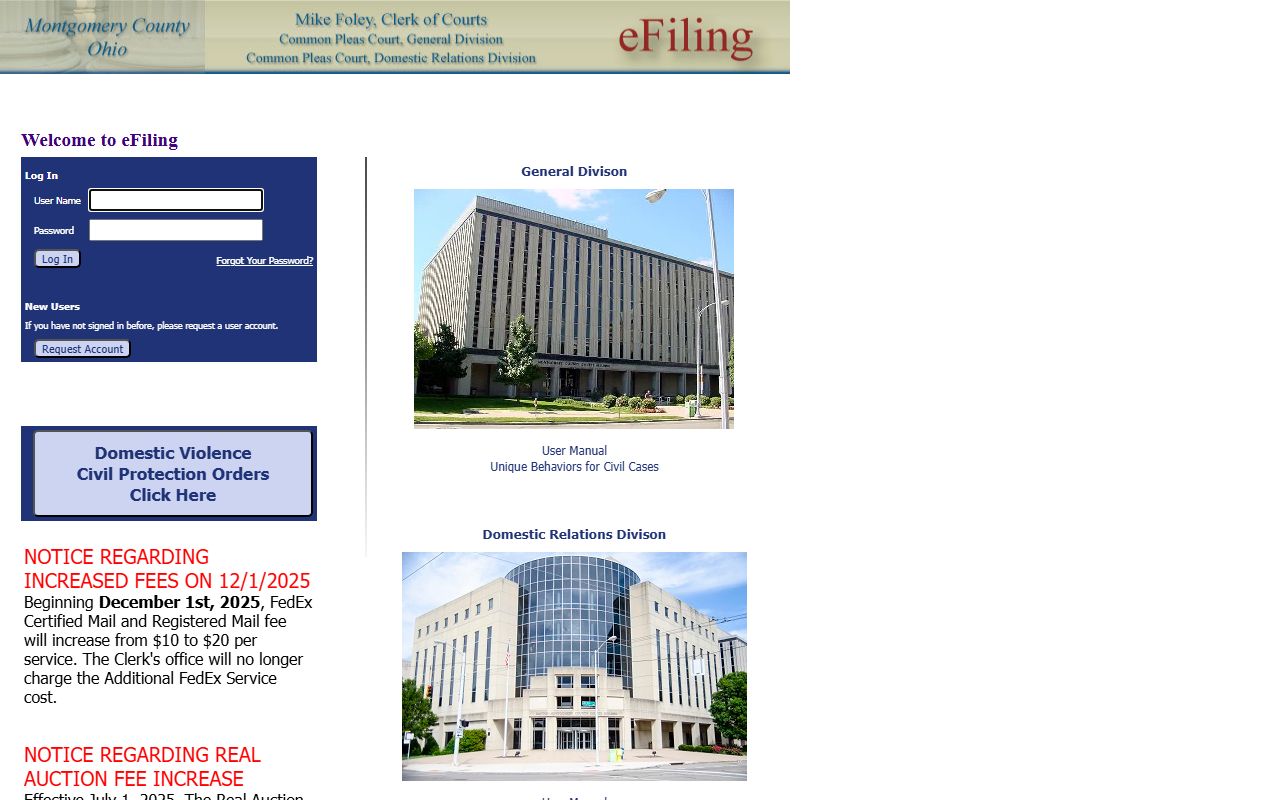
Filings made through that portal post to the docket and then become public on the search system. To pull a docket yourself, follow the steps below.
- Open the Clerk's Public Records Online v3 portal and read the disclaimer, since use means you accept the terms.
- Pick the court or case type. Use the Case Type dropdown to limit results to criminal, civil, traffic, domestic relations, or appeals.
- Enter a party last name, a case number, a company name, or a ticket number. A case number is the fastest path.
- Open the result and read the docket entries in order, from the first filing down to the latest action.
Note: the portal returns only the first 1,000 records for any search, so add a date range or a case type when a name is common.
Sample Montgomery County Docket Entry
Each docket entry packs several pieces of data into one line. Once you know the parts, a Montgomery County court docket reads fast. The fields below come straight from what the Clerk's portal exposes for a case. The case-level fields frame the docket, and the entry-level fields fill it in event by event.
| Field | What It Shows |
|---|---|
| Case Number | The court's file number; the format changes by case type and division. |
| Case Type | The kind of case, such as criminal, civil, traffic, or domestic relations. |
| Filing Date | When the case began; the date-range filters search against it. |
| Docket Entries | The ordered list of filings and court actions; these match the official court docket. |
| Hearings | Scheduled court dates tied to a judge, found through the judge-calendar search. |
| Document Images | Redacted scans linked to entries; not all are public, and they post 48 to 72 hours after filing. |
| Disposition | The current or final outcome of each charge or claim in the case. |
Some fields stay hidden. Personal identifiers, sealed matters, and protected-party details may not show online.
Searching Montgomery County Hearings by Judge
Sometimes you want a court date, not a case file. The Clerk's portal has a judge-calendar search built for that. It pulls hearings on a judge's docket for a set window of days. This helps if you know who is on the bench but not the case number. The panel takes a judge name, a start date, and a time span, and you can choose whether to include events that already have a result. The fields are listed below.
| Field | What It Does |
|---|---|
| Judge Name | Dropdown to pick the judge whose calendar you want. |
| Judge Begin Date | Date field that sets the first day of the search window. |
| Time Span | Dropdown: 1 Day, 2 Days, 3 Days, 4 Days, 5 Days, 6 Days, or 1 Week. |
| Show Resulted Events | Checkbox to include hearings that already have an outcome. |
The calendar panel loads in the live browser. If the judge dropdown comes up empty, switch back to the general search and use a name or case number instead.
Courts That Publish Dockets in Montgomery County
Not every court posts its docket the same way. The Clerk's portal carries most adult dockets in one place. Probate runs its own search. Juvenile dockets stay restricted by Ohio law. Federal dockets live on a separate national system. The list shows where each docket sits.
- Court of Common Pleas, General Division - felony and major civil dockets, posted through the Clerk's portal.
- Domestic Relations Division - divorce, support, and custody dockets, also on the Clerk's portal.
- Montgomery County Municipal Court - traffic, misdemeanor, small claims, and eviction dockets from the Eastern and Western divisions.
- Second District Court of Appeals - appellate dockets from county trial courts, exposed in the same portal.
- Probate Division of the Court of Common Pleas - estate and marriage dockets, searched on the Probate Court's own page.
Juvenile Court keeps its dockets, but public access is limited under Ohio juvenile law, so those entries are not treated like adult records. For a court-by-court rundown of contacts and addresses, see the Court of Common Pleas page.
Docket vs. Full Case Record
People often mix up the docket and the case record. They are linked but different. The docket is the index of events. The full case record is the stack of actual documents behind those events, including motions, exhibits, and signed orders. Online, you read the docket for free and may open redacted images of some filings. For a complete, certified file, you go to the Clerk. The table breaks down the split.
| Docket | Full Case Record | |
|---|---|---|
| Format | List of entries | Full documents |
| Access | Online and free through the portal | May need a counter visit or a copy fee |
| Use | Track case progress and dates | Legal review and evidence |
| Certified | No; online data is not certified | Certified copies come from the Clerk |
For the deeper file and how to request copies, see the Montgomery County court records page and the Clerk of Courts page.
Montgomery County Docket Case-Type Codes
Docket headers use short codes to mark the kind of case. The code tells you the division and the subject before you read a single entry. These codes appear in case numbers and on the portal's case-type list. The table below covers the common ones in Montgomery County court dockets.
| Code | Case Type |
|---|---|
| CR | Criminal, felony in Common Pleas General Division |
| CV | Civil lawsuit |
| DR | Domestic relations, such as divorce or support |
| TRD / TRC | Traffic cases in Municipal Court |
| CRB / CRA | Criminal misdemeanor in Municipal Court |
Traffic dockets and OVI cases run through Municipal Court. For those, see the Montgomery County traffic court records page. Felony dockets are detailed on the arrest records page.
How to Read a Montgomery County Docket
Docket entries use shorthand. A few terms unlock most of them. An entry is the court's written action or order. A motion is a request asking the court to do something. A continuance pushes a hearing back. A capias is a warrant the court issues after a missed date. Bond entries set the terms of release. The last entries usually carry the result. Read top to bottom to follow the case in order.
The final outcome shows up as the disposition. A disposition is the current or final result of a charge or claim. A plea may read guilty, not guilty, or no contest. A case marked dismissed with prejudice is over and cannot come back. One marked dismissed without prejudice may be refiled. A judgment sets liability, a sentence, or money owed. A charge is not a conviction, so do not read an arrest or a filing as a final result. Online dockets are not certified, so confirm any detail you plan to act on with the Clerk or the court that holds the case.
Federal Court Dockets for Montgomery County Cases
Some cases from Montgomery County are not in state court at all. Federal matters are filed in the U.S. District Court for the Southern District of Ohio, which sits in Dayton. Federal dockets do not appear on the Clerk's portal. They live on PACER, the national system for federal court records. PACER is the official source, and you register before you search. Fees are set at the federal level. The court information page is shown below.
You can confirm the court and its counties on the PACER court information page for the Southern District of Ohio, which lists Montgomery County in its coverage.
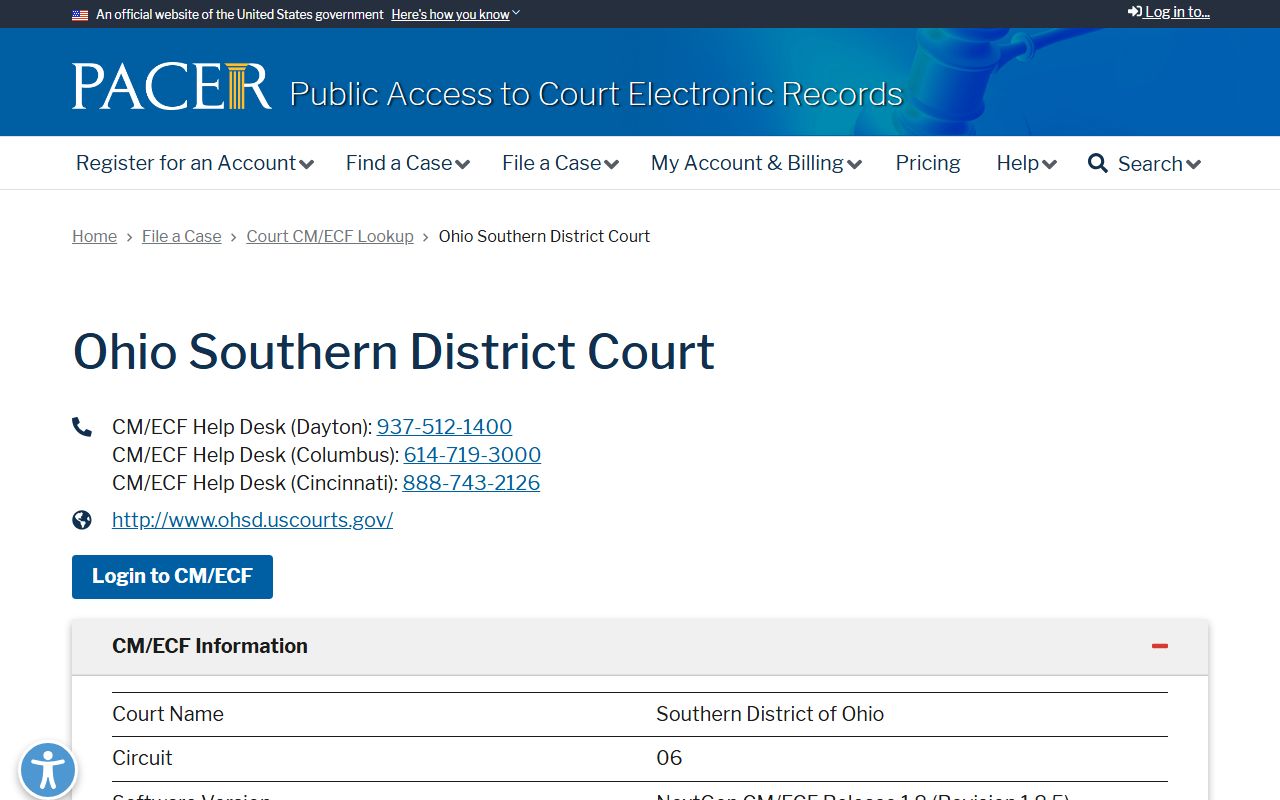
That page sets out the Dayton courthouse details and the court's full county list. PACER charges per page, but a free option exists for older federal opinions and dockets. CourtListener pulls many federal dockets into a free search tool, and you can reach it at the CourtListener legal research site, shown next.
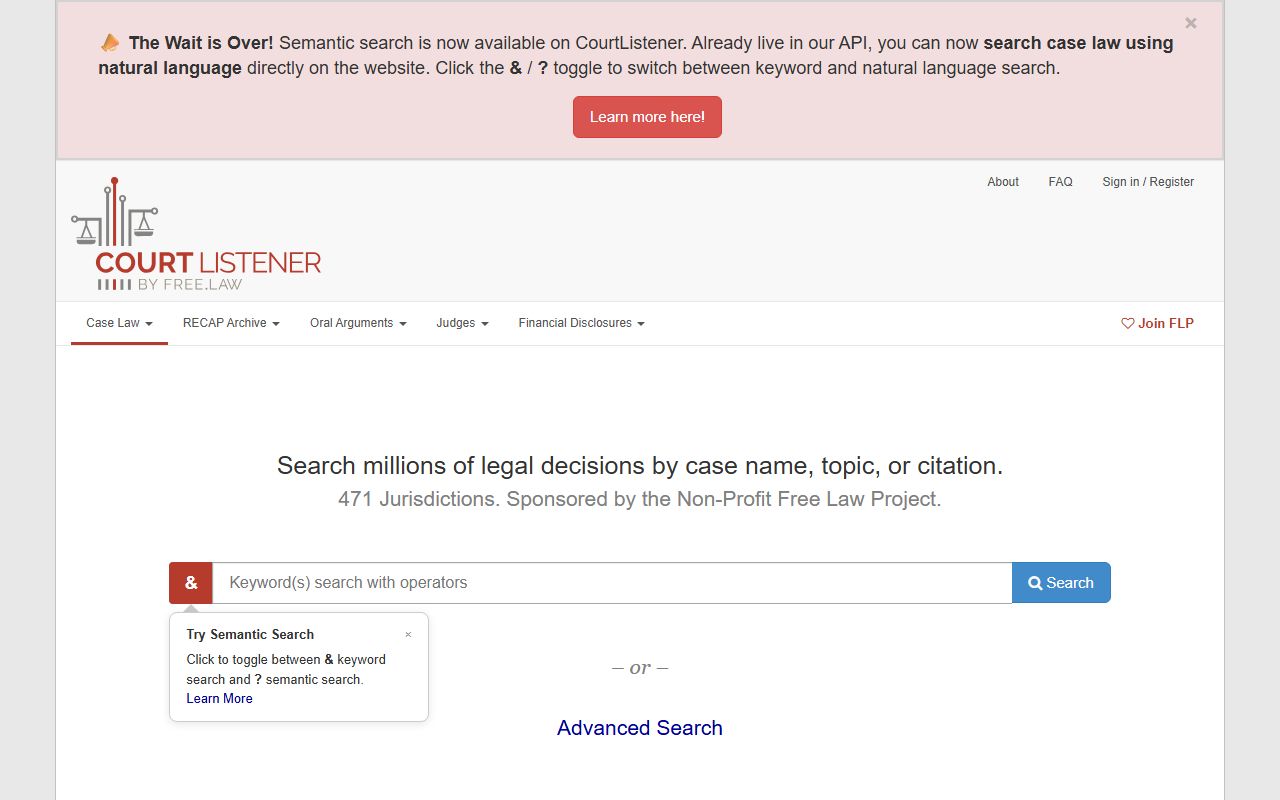
CourtListener is a free alternative, but it is not the official custodian. For a record you must rely on, use PACER or the court itself. Bankruptcy filings go to the U.S. Bankruptcy Court for the Southern District of Ohio, and appeals run to the Sixth Circuit.